Rethinking Speed for the New Financial Year Business fibre internet sounds simple. You pick a…

Improving Wireless Signal with a NewVo Connection
A steady wireless signal is something most of us expect, but when it fails, everything slows down. Whether it’s dropped calls during remote meetings, video buffering, or long upload times, weak Wi-Fi doesn’t just annoy us, it cuts into how we work. That’s especially true if we’re part of a hybrid team moving between the office and home.
As more businesses in places like Warners Bay, NSW, rely on flexible setups, we’ve seen how good connectivity helps keep things moving. Picking the right provider matters too. Wireless stability depends on planning, layout, and how closely wireless internet providers match their services to what a business actually needs.
Finding the Real Cause of Signal Trouble
When a wireless connection feels unreliable, it’s tempting to pin the blame on devices or people using too much bandwidth. But most times, the issue is more layered. Weak signals can come from things we don’t immediately notice.
- Office layout plays a part. Thick walls, heavy doors, or high shelves can block a signal from moving freely.
- Electronics nearby, like microwaves or cordless phones, may interfere.
- The router itself could be mismatched for the size of the space or be shared across too many devices.
- The type of internet plan or setup from a provider might not actually support the pace of work we do.
Sometimes, it’s a mix of these things that causes Wi-Fi to stutter or drop. Understanding where the problems start helps shape a better fix.
How Office Setup Impacts Connection Strength
Not every office is built with internet in mind. Over time, desks move, furniture shifts, and equipment changes. What was once a strong signal spot might now be cut off by metal cabinets or partitions.
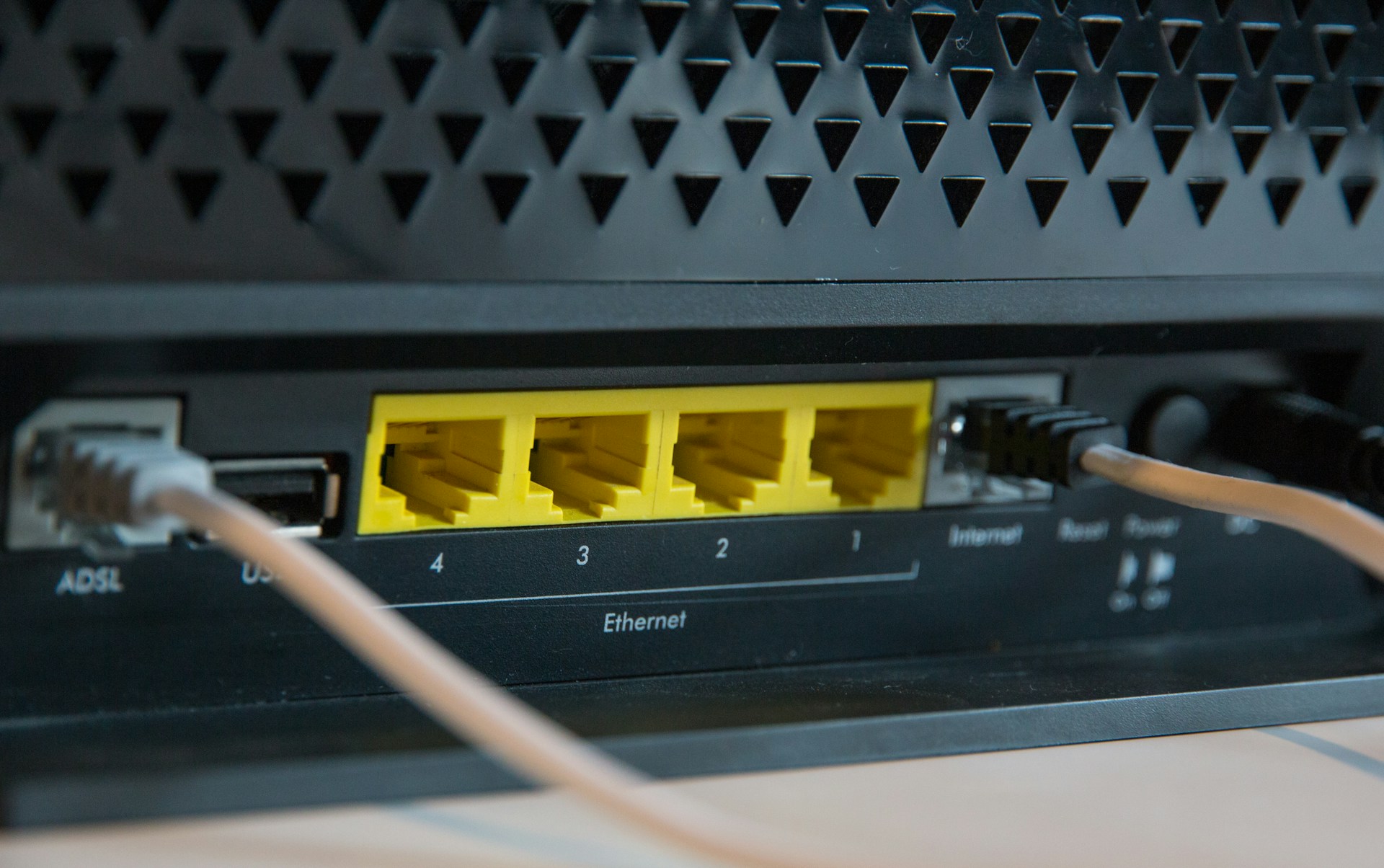
Router placement matters more than most people think. If it’s tucked into a corner, blocked by furniture, or sitting behind tech gear, signal strength drops off fast. Modern equipment prefers open space around it, not clutter.
- Open-plan offices tend to get more even signal coverage.
- Partitioned or closed offices may see stronger signal in some rooms but not others.
- Materials like brick, metal, and dense insulation can all slow the signal.
- Large monitors or server cabinets nearby can interfere with signal spread.
A quick walkthrough of the space shows where Wi-Fi densities shift. If staff huddle near one router just to get online, that’s a sign a layout rethink might help.
Wireless solutions from NewVo give businesses options to strengthen coverage across larger or irregular spaces, helping to reduce the chance of dead zones and weak signal areas. By considering these factors, businesses can work proactively to improve their wireless setup.
Benefits of a Smart Connection Plan
Wi-Fi doesn’t always need to be faster, it needs to be steadier. When we match internet usage to the way our office works, we’re less likely to run into slowdowns. This kind of planning helps keep wireless strong even when work picks up.
- Video calls, large file uploads, and cloud logins all pull more from a connection than basic browsing.
- Team tools like shared workspaces and platforms running in real time use continuous access.
- Buffering or delays usually appear when several devices try heavy tasks at once.
A useful plan keeps those tougher moments from crashing the system. That starts with knowing staff habits and asking wireless internet providers for options that match. Not every business needs a high-use setup, but every business needs a steady one.
NewVo’s business plans can offer the flexibility to adjust bandwidth and support, making it easier to handle peak demand without constantly upgrading equipment. Assessing your actual requirements regularly can keep your system adaptable.
Preparing for the Busy Start to the Year
Late January signals a return to full pace after the holiday wind-down. Emails pile up, phone lines open back up, and online work picks up. By this point, most businesses are carrying their usual workload, often more, if they’re catching up from earlier in the month.
It’s also when small network issues turn into much bigger ones. Systems that were fine through slower periods may start to slow or cut out when traffic grows. That’s why we always find this a good moment to check if what we’ve set up still works for where the team is now.
- Key tasks like onboarding, scheduling, or support often spike in demand this time of year.
- Larger teams return from leave all at once, adding more load to Wi-Fi zones.
- Any changes in staff location or equipment can add pressure to the existing setup.
Planning a wireless review now avoids surprises later, especially as we move from summer holidays into the regular work stretch. Addressing these issues sooner rather than later can help prevent future disruptions.
Keeping Work Moving Without Disruptions
Every breakdown, even a short one, interrupts focus. If staff toggle between weak Wi-Fi and mobile hotspots, it creates small slowdowns that chip away at productivity. Simple steps can keep those disruptions from becoming everyday problems.
- Testing router reach and coverage quirks lets us reset desk layouts to avoid weak zones.
- Choosing the right provider helps us handle busy periods without overloading the network.
- Bandwidth planning lets us line up internal needs with what our connection can actually support.
When wireless stays steady, video calls connect more clearly, files transfer without a hitch, and daily workflows stay on track. It helps every person in the room, or working from elsewhere, keep pace with the workweek, no matter where they’re logging in from. Spotting weaknesses early makes ongoing improvement easier.
A More Reliable Wireless Setup Starts with the Right Steps
We don’t always need more tech to fix a connection. A strong wireless setup starts with a few basic checks. Look at layout, understand device load, and try reshuffling parts of the office that block signals. It makes a fast and lasting difference.
Planning early in the year gives us time to adjust before work gets too intense. Wireless internet providers can support us better when we know what we need. Instead of patching holes as they appear, we can build a setup that lasts beyond peak demand and into the steady rhythm of the year. Preparing early helps avoid the scramble to fix problems midway through the busiest months.
Experiencing uneven signal in your Warners Bay workspace can be frustrating, but small adjustments to your layout or equipment might help improve performance. True reliability, though, begins with the right provider. At NewVo, we help local businesses find stable, consistent plans that match their needs. To discover more about our wireless internet providers, reach out to NewVo and get started today.

Related Posts