Rethinking Speed for the New Financial Year Business fibre internet sounds simple. You pick a…
Winter Preparation for Internet Stability
The colder part of the year usually means more time working indoors, and for many businesses, that can bring heavier use of digital tools. Whether the team’s relying on cloud files, daily video calls, or software that runs entirely online, a steady internet connection is the backbone of getting work done without noise or delays. Winter weather tends to change how we work, especially in places like Warners Bay, NSW, where the mix of rain and colder air can catch people off guard if things aren’t set up quite right.
Now is a smart time to think ahead. A quick check of your current setup can save stress when outages or weak signals sneak up on the team. Choosing the right support from an experienced internet provider in Warners Bay means you’re not left guessing if a later issue could’ve been avoided.
Assessing Your Current Setup Before Winter
Before the chilly days fully settle in, it’s worth taking a closer look at how your internet setup holds up where it counts. A few small things can make a big difference.
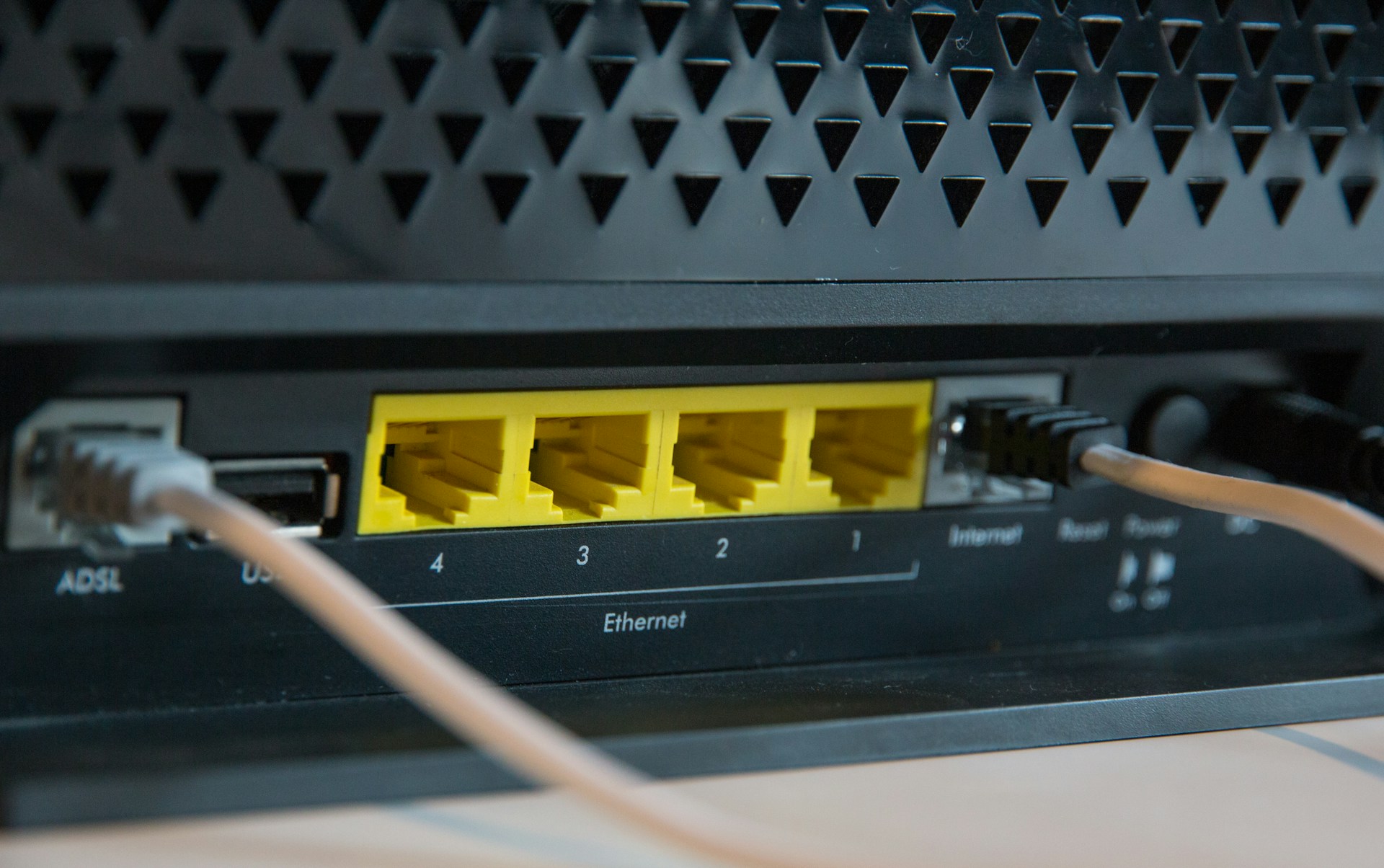
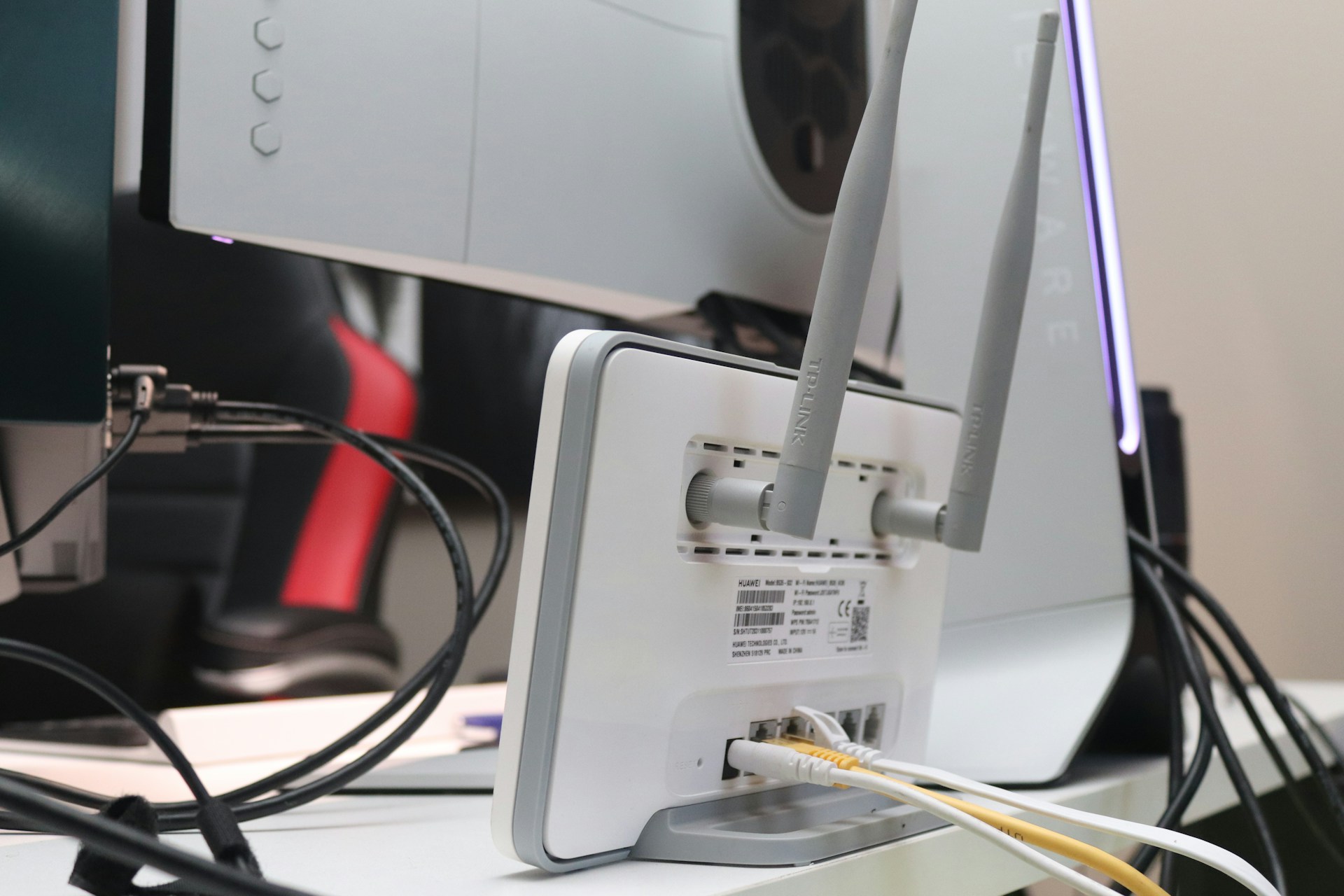
- Is your modem or router a few years old? Devices lose strength over time, and older ones might not handle newer demands during heavier use.
- Check where it’s placed. If it’s tucked into a cold corner or surrounded by metal, Wi-Fi strength could suffer.
- Think about how the building responds to outages. Do you have battery backups or a mobile data plan that can briefly take over if the main internet drops out?
- What’s the powerboard situation? Winter can bring heavier power use with heaters and closed windows. One tripped switch could knock out your router before you notice.
Reviewing these now avoids panic when the first big storm or blackout arrives later in the season.
NewVo’s business internet plans offer support for multi-device offices, networked wireless, and local site checks, making it easier to troubleshoot and improve setups before peak winter demand.
Common Winter Hazards That Can Impact Connectivity
As winter gets underway, a shift in weather shows up in more than just colder air. Internet services can also feel the change.
- Wet weather can weaken underground lines or overhead wires. Pooling water, wind-driven branches, or cold snaps can trigger small damage that adds up to slower speeds or full dropouts.
- Office server rooms or small equipment spaces might cool faster than people expect. If a server or switch gets too cold too fast, it can glitch or reboot. That’s hard to catch unless someone knows what to look for.
- In the early hours, you might notice the Wi-Fi is slower or less consistent. This could be the first sign that equipment is reacting to overnight chills or a weak power connection.
Spotting these early helps prevent them from turning into larger disruptions, especially when work starts piling up mid-morning.
Internal Office Readiness and Staff Support
Inside the building, how the space is arranged can make or break the signal strength too. Offices often close windows or shift heating when it gets cold, which can change airflow and how wireless signals move.
- Cables tucked near heaters or poorly insulated corners might start to wear or shift with short temperature swings. Heat buildup in small areas can quietly weaken short-length lines.
- Make it part of your routine to check signal strength before big meetings. Getting into the habit now avoids last-minute surprises and helps set staff up to catch problems early.
- See where most people work or meet regularly. Access points or boosters in these zones can balance out older wiring or router placement without needing to redo everything.
These simple checks go a long way in keeping remote sessions and internal transfers steady, even on cold, wet days.
With flexible installation options, NewVo can extend coverage indoors with mesh Wi-Fi, relocate routers, and recommend backup options based on customer work habits and building layout.
When to Check With Your Local Provider
If you wait until the coldest days to act, fixes might take longer than they should. A better plan is to check your setup early while conditions are still easier.
- Look at internet speed across different devices and times of day for signs of slowdowns. Doing this in early winter gives more time to handle small fixes before higher demand hits.
- If regular issues pop up, like dropped calls or patchy loading during light weather, it might show a weakness somewhere in the chain. An honest chat with a local professional can point out what’s likely going wrong.
- A short check-in with a trusted internet provider in Warners Bay can often highlight risks you might not spot on your own.
Getting ahead of it now gives more room to adjust the setup before the busy or colder stretches of mid-June and July.
Making Winter a Smoother Season for Online Work
Staying consistent through the cooler months takes a bit of upfront work, but it’s worth it when things keep running without a hitch. Taking time to review placement, hardware age, and daily staff habits gives a clearer picture of what’s helping and what might hold you back.
The weather will always bring its swings, but with good planning, we can cut down the number of times it affects the way we work. Some early checks and small tweaks can keep things flowing even after hours and on rougher days. That way, winter can be a season where work keeps moving, indoors or out, without signal drama slowing things down.
Network slowdowns and winter interruptions can disrupt your business, but at NewVo, we make sure your setup is prepared for the season ahead. We work with local businesses to provide steady, reliable service, whether you need a quick check or a minor adjustment. Keep your team connected when it counts by partnering with an experienced internet provider in Warners Bay. Give us a call to book a time that fits your schedule.

Related Posts