
Turn Dead Air Into a High-Value Brand Moment On-hold time is one of the few…
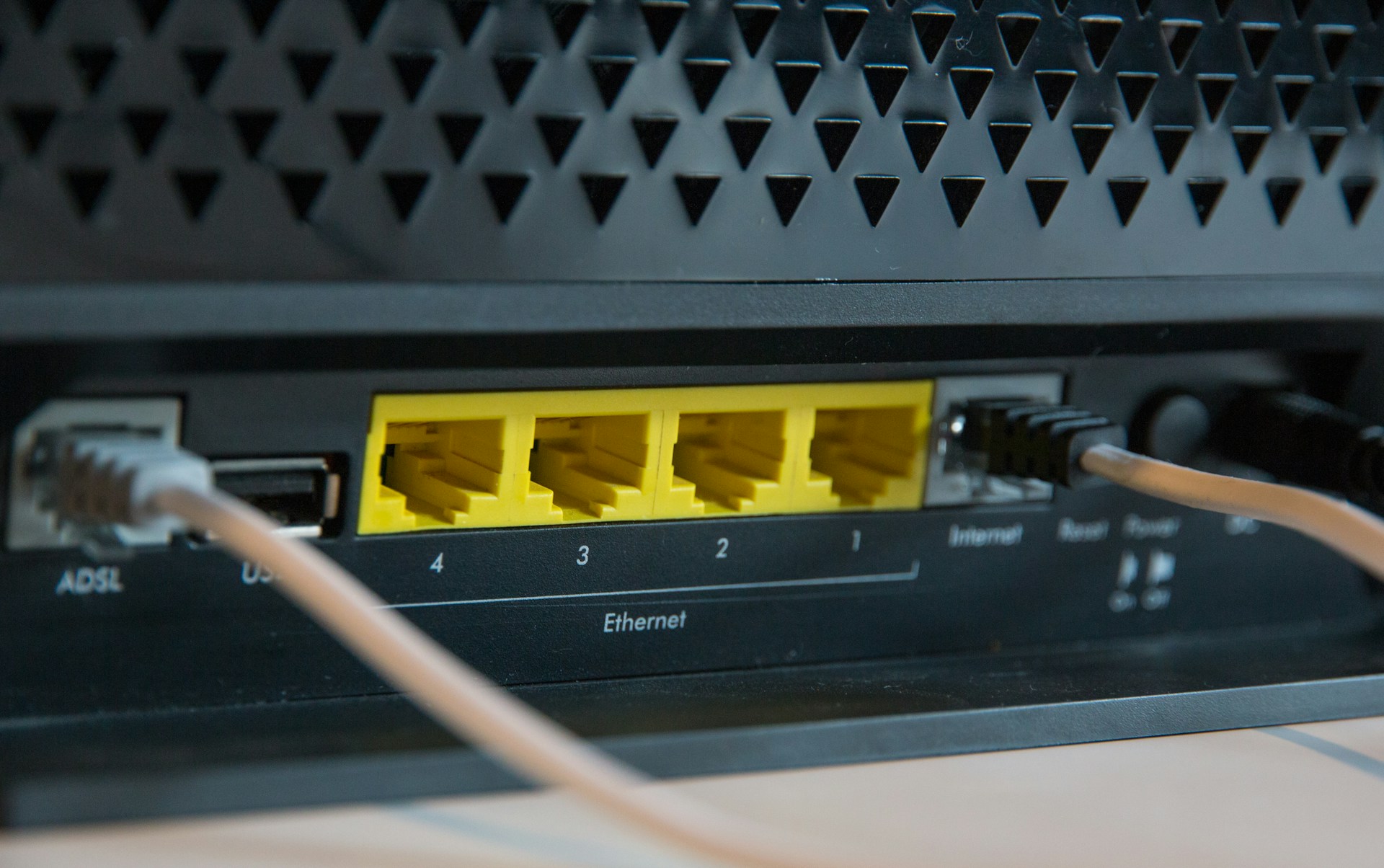
Critical Internet Solution Provider Checks Before Moving Office
Avoid Internet Nightmares When You Change Address
Moving office is stressful enough without the internet dropping out right when everyone arrives at the new site. If the connection is not ready, staff sit idle, sales calls stall, and customers struggle to reach you. All that planning around furniture, keys and parking can feel pointless if the business cannot get online.
Your internet solution provider should sit right alongside your removalists and fit out contractors in your move plan. The connection is now the backbone of phones, cloud apps and day-to-day work. Treating it as an afterthought is how teams end up offline for days.
Many Australian businesses shift offices around late winter and into spring, when leases change or new projects kick off ahead of the end of the year rush. Those are also busy times for carriers. Planning connectivity early helps protect business continuity so that, from your customer’s point of view, nothing changes except your address.
Map Your New Site’s Connectivity Reality
That glossy brochure for the new office might say “high-speed internet available”, but that line does not tell you what type of service you are actually getting. Before you sign anything long term, you want a clear view of the real options at that exact address.
Work with your internet solution provider to confirm things like:
- What NBN variants are available and at what class of service
- Whether business-grade fibre is on-net or needs a new build
- If fixed wireless or mobile-based services can work as primary or backup
- Any limits caused by building design or location
Lead times can catch people out. A new fibre run or complex enterprise service can take weeks or even months from order to live, especially when carrier teams are dealing with wet weather delays, access issues or seasonal demand.
A good provider will go beyond a simple online check and carry out a proper site qualification. That can include:
- Confirming building access and security requirements
- Checking MDF and IDF locations and existing cabling paths
- Talking with building management about landlord rules and shared risers
- Flagging any civil works, wayleaves or approvals that could slow things down
The earlier this happens, the more options you have. If time is tight, knowing the real constraints lets you build a staged plan rather than being caught off guard the week before the move.
Match Bandwidth and Reliability to How You Work
Not all connections are equal, and not all businesses work the same way. Before you decide on services for the new site, it helps to be honest about how your team actually uses the internet now and how that might change.
Start with a simple usage audit:
- Which cloud apps are business-critical, like Microsoft 365, CRM or ERP
- How many people are on VoIP calls or video meetings at the same time
- Whether remote staff connect in for large file transfers or remote desktops
- When your busy periods are, such as spring projects or pre-holiday ramp ups
With that picture, your internet solution provider can explain the differences between:
- Business NBN, suitable for many offices when sized and supported properly
- Enterprise fibre, which can bring higher reliability and better support options
- Dedicated symmetrical links, where upload and download speeds match and are not shared the same way
Speed on paper is only part of the story. Contention, uptime and how quickly faults are handled all affect day-to-day work. Service level agreements and performance guarantees show how seriously a provider treats business traffic, and whether you get business-grade support instead of long hold times on a residential help line.
Protect Phones, Cloud Systems and Customer Experience
These days, if the internet stops, phones and cloud tools often stop with it. Hosted phone systems, contact centres, Microsoft 365, CRM platforms and support tools all depend on a stable link. A short outage can mean missed calls, slow responses and a hit to customer confidence.
To keep that from happening around a move, think in layers of protection:
- A 4G or 5G backup link that kicks in if the main service fails
- Dual links from the same or different carriers for higher uptime
- Diverse paths where possible, so a single cable cut is less likely to take you out
- Failover for voice so inbound numbers can still land on mobiles or backup systems
Having one internet solution provider looking after internet, voice and data can make a big difference here. With a single accountable local team, you are not stuck in the middle while different suppliers argue about where the fault sits. That matters even more in the first days after a move, when you want quick answers and clear action.
Plan the Changeover so No One Notices the Move
A well planned move feels boring in the best way. Staff sit down at the new desks, log in, make calls and keep serving customers. Behind the scenes, though, there is a lot of timing and coordination to get right.
A smooth changeover usually includes:
- Overlapping services so the old and new links run in parallel for a short period
- Testing windows at the new site before everyone arrives
- Cutting over outside peak hours or during a quieter seasonal window
Your internet solution provider should be talking with:
- IT teams about firewalls, routers, IP ranges and VPNs
- Removalists about timing for racks and hardware moves
- Electricians about power, surge protection and rack locations
- Building management about comms room access and after-hours work
There are a few easy traps to avoid:
- Porting phone numbers too early and leaving staff without inbound calls
- Cancelling old services before the new link is fully tested under load
- Leaving firewall rules, routing changes and QoS tweaks until move day
A clear run-sheet, shared between everyone involved, helps keep surprises to a minimum when you flip the switch.
Move with Confidence Using a Local, Accountable Partner
The best time to start thinking about connectivity is as soon as a new lease is even being discussed. That gives your internet solution provider time to check the site, line up services, organise hardware and plan for backups, all before any boxes are packed.
A simple move checklist with your provider might cover:
- Key dates and target go-live windows
- Required approvals with landlords and building management
- Orders for routers, switches, handsets and any new licences
- Number porting steps and voice routing plans
- Contingency arrangements if carrier dates slip
- Staff communication so everyone knows what to expect
As a local Australian telecommunications provider, we understand how different buildings, suburbs and carrier networks behave in real life. At NewVo, we work with organisations to design tailored internet, voice and data solutions that keep teams connected before, during and after an office move, so your business keeps running while the boxes move around it.
Get Started With Your Project Today
If you are ready to upgrade your connectivity, our team at NewVo is here to help you plan a reliable, scalable setup that fits your business. Explore how our internet solution provider services can support your operations, from day-to-day tasks to future growth. Speak with our specialists to review your current setup, map out your priorities and get a clear, practical recommendation. If you would like tailored advice, you can contact us to start the conversation.

Related Posts