Make working from home safe, secure and productive
Working from home can be a great option for flexibility and continuity, but only when staff have the right security, devices, support, and communication tools in place. We help businesses create remote work setups that reduce risk and improve productivity without adding complexity.
The risks of working from home
Remote work can improve flexibility and business continuity, but without the right standards it can expose the business to security gaps, slower staff performance, and inconsistent user experiences.
Security exposure
Remote users can be more vulnerable to phishing, poor password hygiene, unsafe browsing, and unmanaged devices if proper protections are not in place.
Lower productivity
Working all day from a laptop without a proper screen, dock, keyboard, mouse, or quality accessories can reduce comfort and efficiency.
Support inconsistency
When each home setup is different, support becomes slower, standards slip, and the business loses visibility over risk, performance, and reliability.
Key recommendations for a safe and productive remote setup
The most effective work from home environments are built around consistency, security, and better user experience.
Support users properly
Remote work policies, clear support pathways, and consistent user guidance help reduce confusion and keep staff productive.
Improve meeting quality
Good audio and video tools help staff communicate more professionally and make online meetings far less frustrating.
Protect the remote user
Remote users should be covered by endpoint protection, email filtering, and security controls that help reduce risk outside the office.
Standardise the hardware
Use business-grade laptops, external monitors, docks, keyboards, and mice so users have a reliable setup and support is easier to deliver.
Recommended products and services
This product set helps businesses create a more professional, better-connected work from home environment for staff.
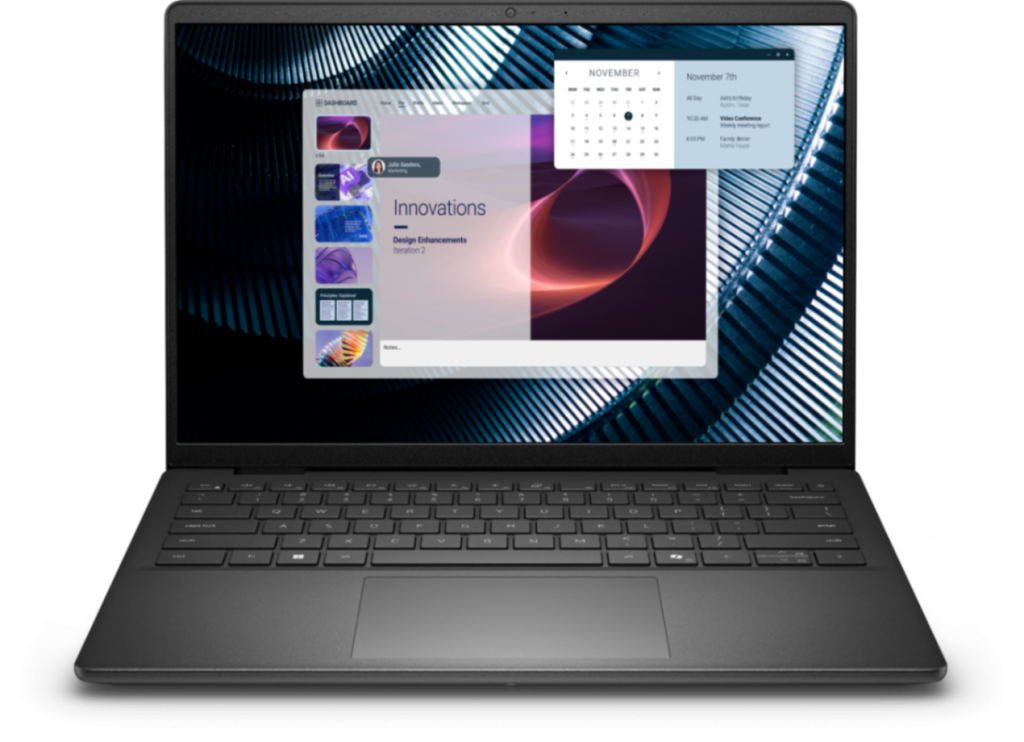
Dell Pro 14 E Notebook
14″ FHD+, Core 5-120U, 16GB RAM, 512GB SSD, Windows 11 Pro. A practical business laptop for remote users who need dependable everyday performance.
Ask us for pricing.
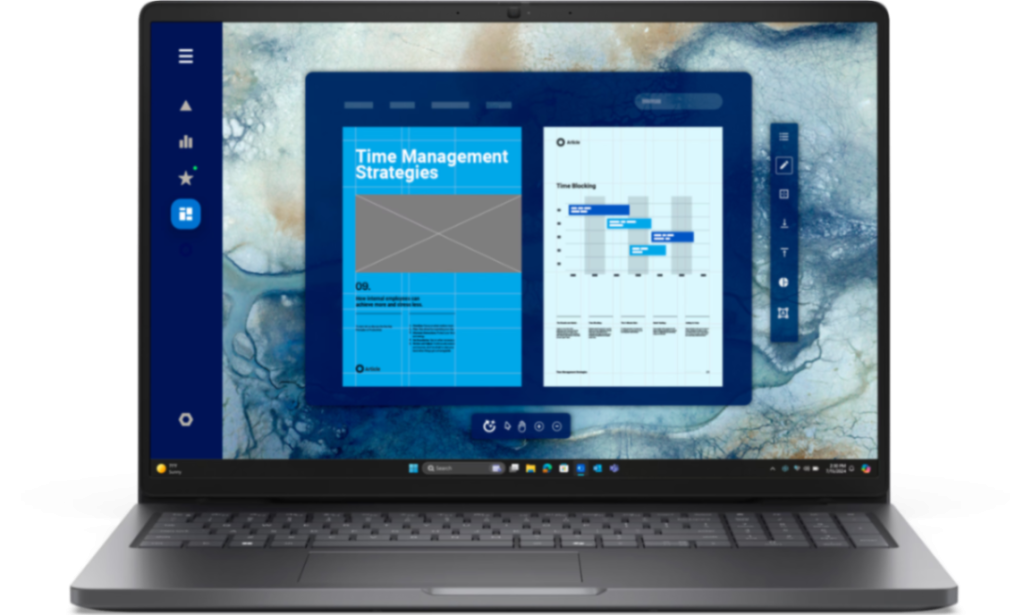
Dell Pro 16 Notebook
16″ FHD+, U5-225U, 16GB RAM, 512GB SSD, Windows 11 Pro. A strong option for users who want more screen space and a larger working area at home.
Ask us for pricing.
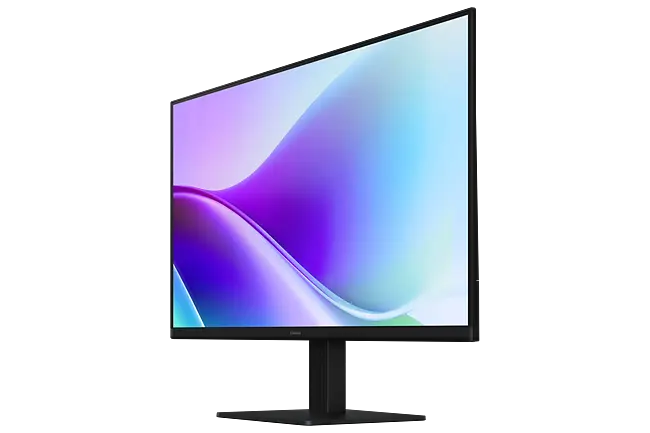
Samsung 27″ FHD IPS Monitor
A low-cost but high-impact addition to a home office, giving staff more room to work, view documents, and manage meetings more comfortably.
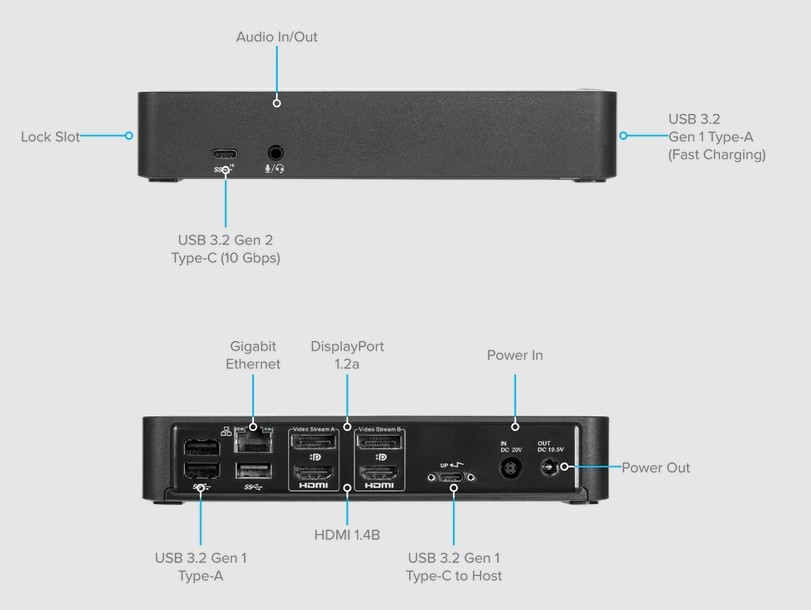
Targus Universal Docking Station
A convenient single-cable dock that makes it easy to connect monitors, network, keyboard, mouse, power, and other accessories in one clean setup.
Ask us for pricing.
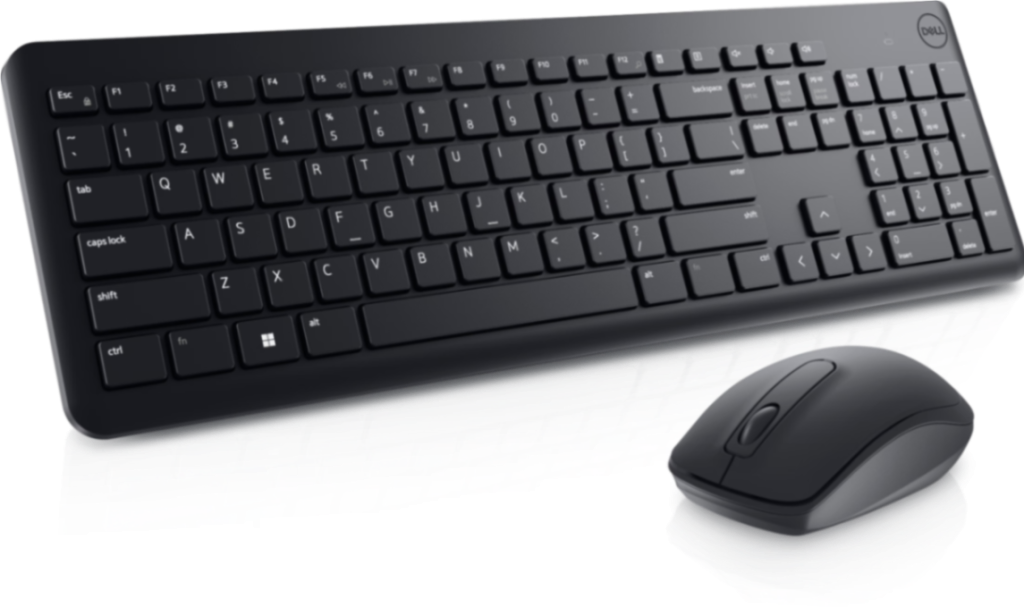
Dell Wireless Keyboard & Mouse Combo
An easy way to improve usability and comfort for home users and create a more complete and practical work from home desk.
Ask us for pricing.
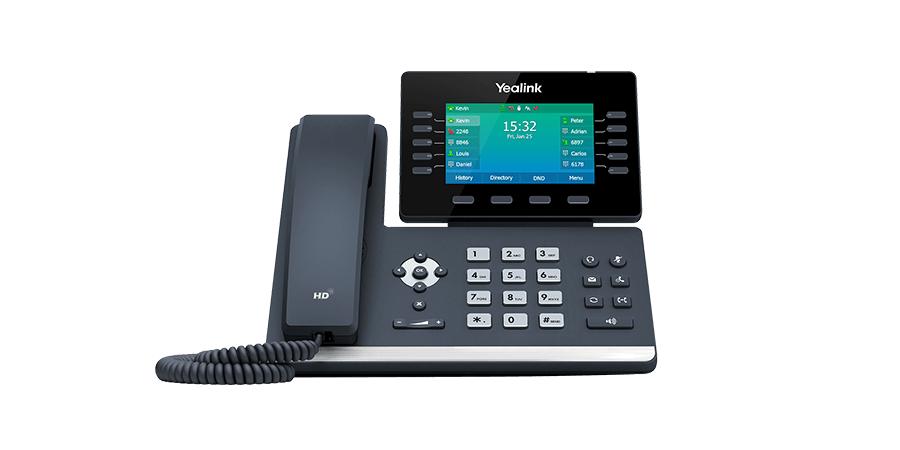
Yealink T54W IP Phone
16-line IP HD phone with HD voice, colour screen, Bluetooth, Wi-Fi, and gigabit ports. A strong fit for remote staff who need a premium desk-phone experience.

Newvo Cloud Voice
Starting from $15 per user. A practical way to keep remote staff reachable and maintain a more consistent business phone experience wherever they are working.
Ask us for pricing.

Professional Webcam Options
Better webcam quality can improve online meeting presence and help staff present more professionally in customer and internal video calls.
Ask us for pricing.

Business Headset Options
A quality headset improves call clarity, reduces distractions, and helps remote users sound clearer and more professional throughout the day.
Talk to Newvo
Need help improving remote staff connectivity, voice, and communications? We can help build a more professional work from home setup.
Phone: 1300 993 214
Email: sales@newvo.com.au